

Better tooling for safer Discord communities.
Dreamliner gives your staff the visibility to catch problems early, the tools to act fast, and a dashboard built for teams who take their community seriously.


Communities
Flying in servers like these
From small friend groups to communities with thousands of members, servers everywhere run their moderation, logging, and community tools on Dreamliner.
- Set up in minutes from the web dashboard
- Free for every server, with Dreamliner One for more
- Every server gets its own public page and leaderboard
Passport
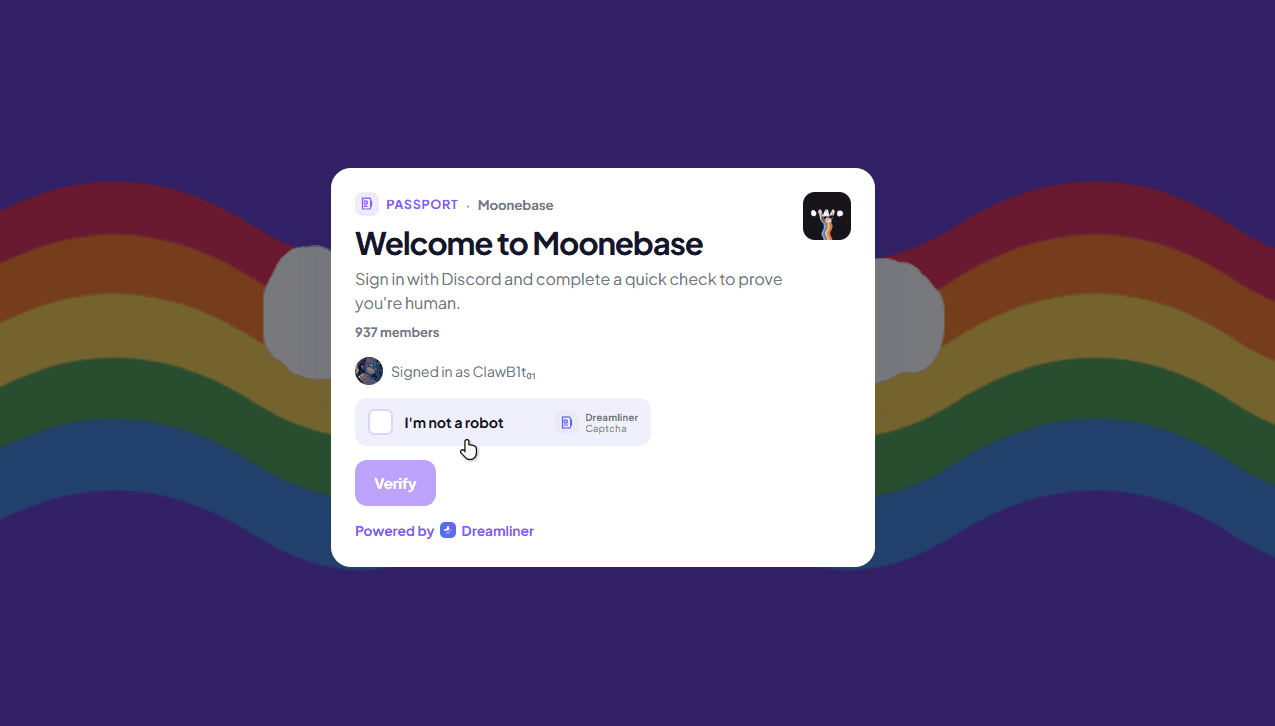
Stop raiders before they see a single channel
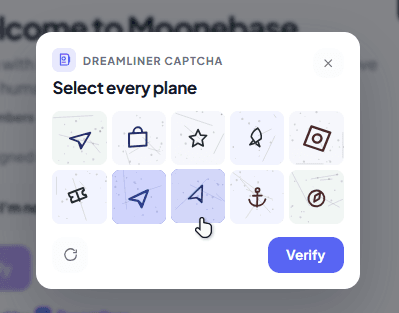
Passport gates every new join behind a verification challenge, so alt accounts, bots, and raid waves get filtered out before they can post, react, or even see your channels. Sign in with Discord and a quick human check is all it takes.
- Configurable minimum account age and a human verification challenge
- New joins wait in a holding area until they pass
- Works automatically alongside Automod's raid detection
Music
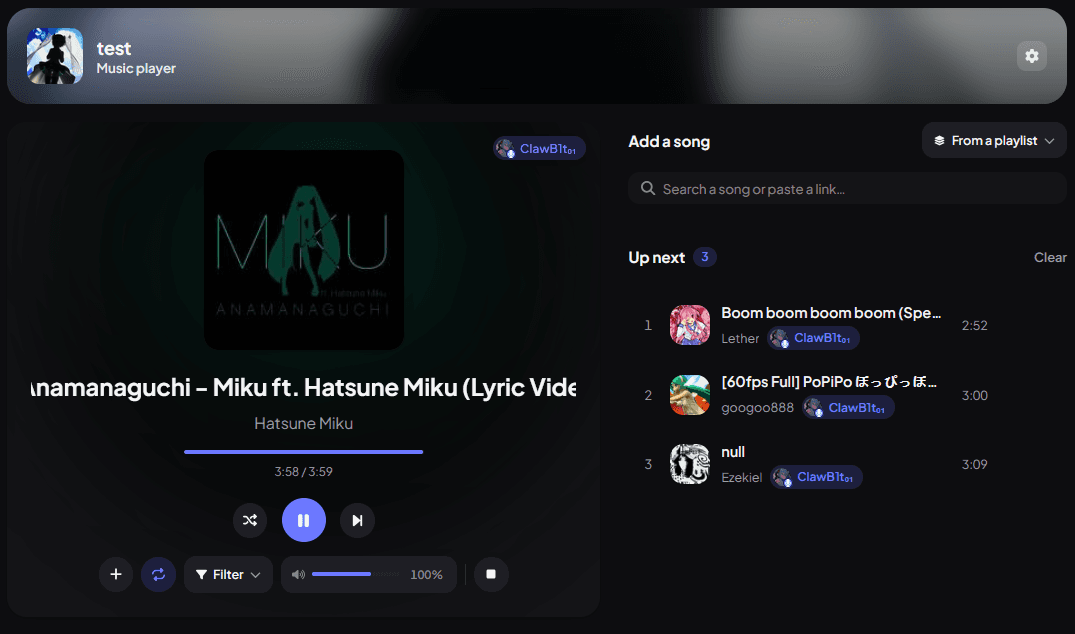
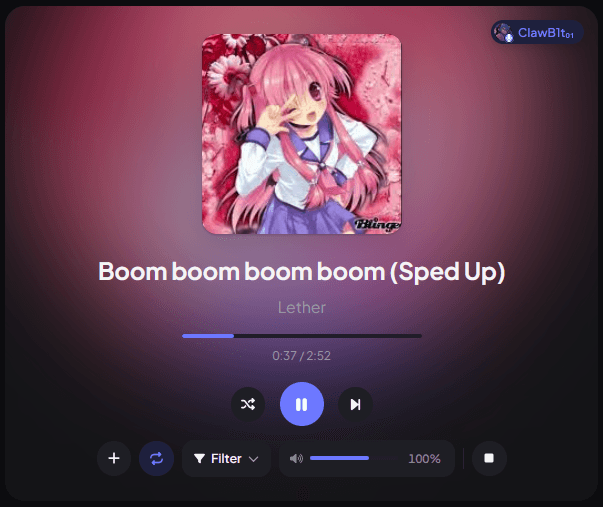
A full web player, not just slash commands
Play from SoundCloud, Apple Music, Bandcamp, and more with queues, DJ roles, vote-skip, and saved playlists. Control it all from Discord or the dashboard's own music player, built for the whole room to use together.
- DJ roles and vote-skip keep control fair in busy channels
- Save playlists per-user and queue them in any server
- A full web player with search, queue management, and filters
Moderation
Moderation that flags trouble before you do
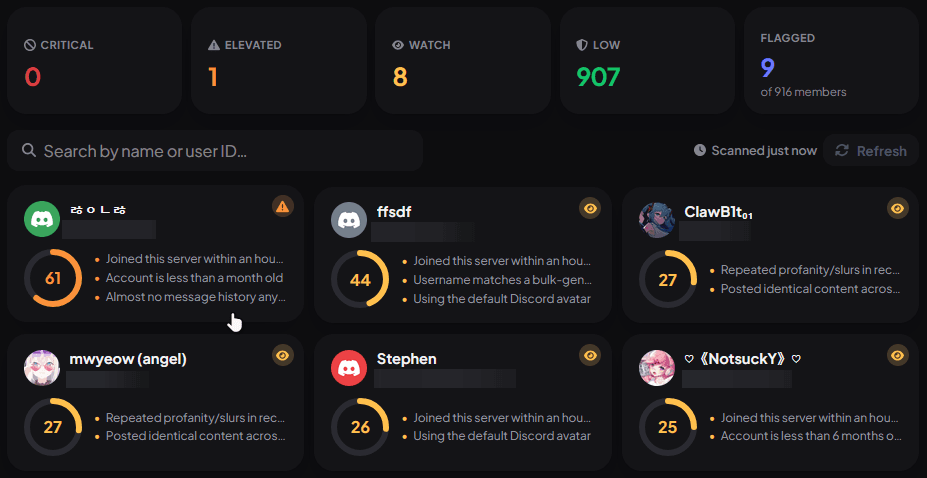
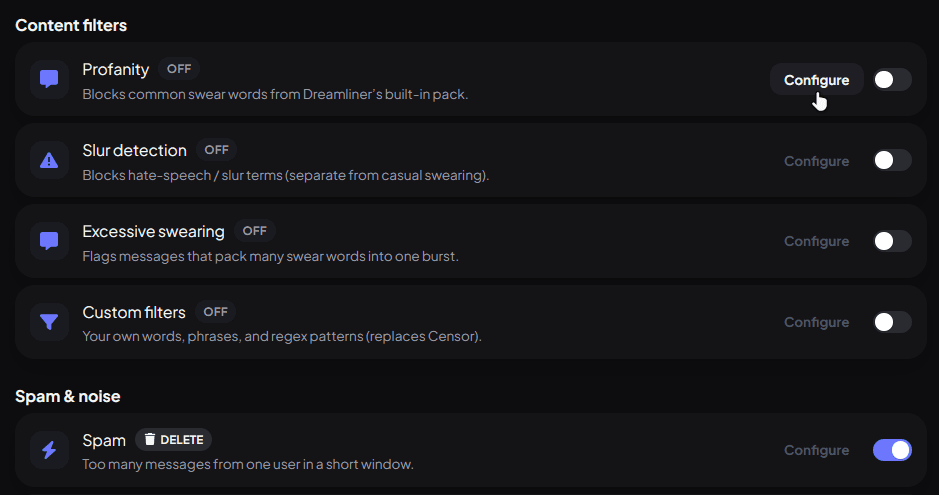
Automod filters spam, scam links, and rule-breaking content the moment it posts, while every member gets a live risk score built from join age, message history, and matched watchlists, so staff know exactly who to look at first.
- Content filters for profanity, slurs, spam, and custom patterns
- Every member scored Critical to Low, ranked by real risk signals
- Full case history for every warn, mute, ban, and kick
Stats
Know your server, not just guess
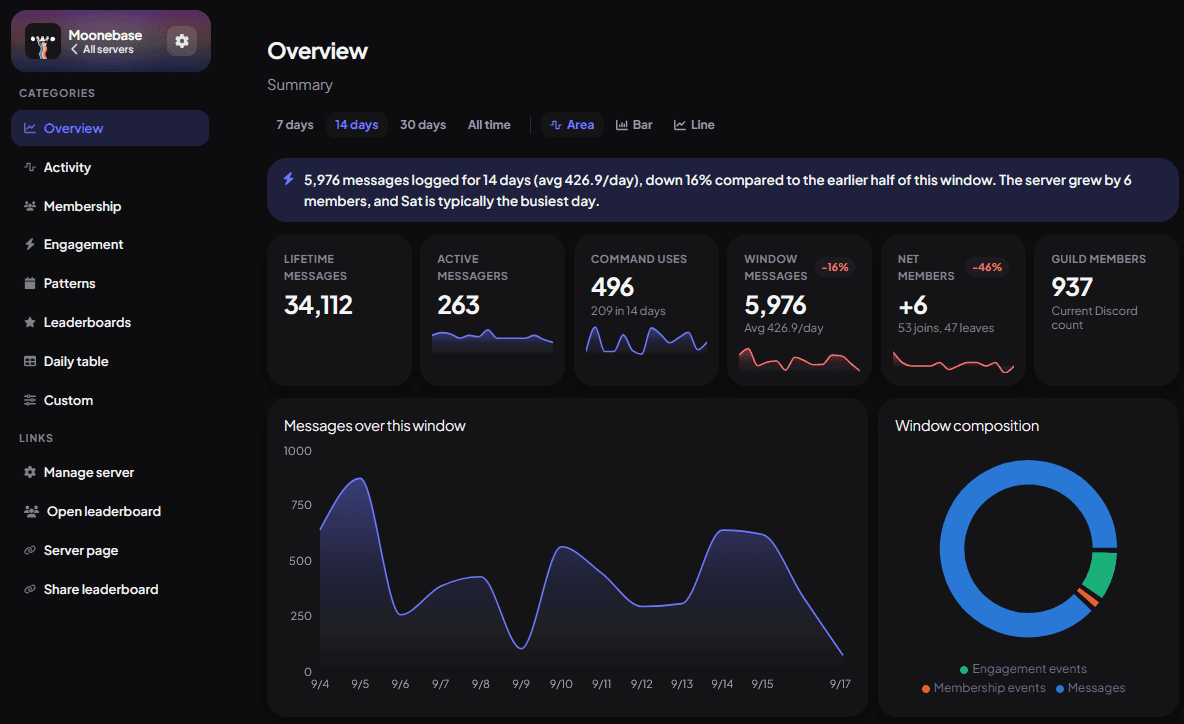
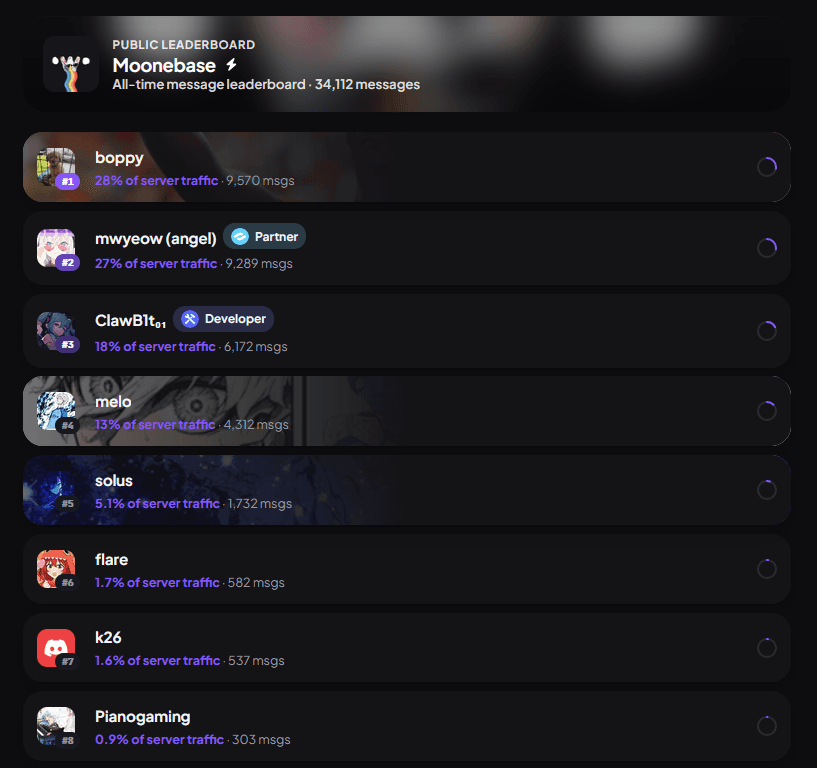
Message trends, active members, command usage, and join/leave activity in one overview, plus a public leaderboard your members can actually compete on.
- Daily, weekly, and all-time trends with a plain-English summary
- Public leaderboards ranked by server traffic
- Break activity down by channel, role, or custom date range
Welcomer
Make a first impression that isn't a wall of text
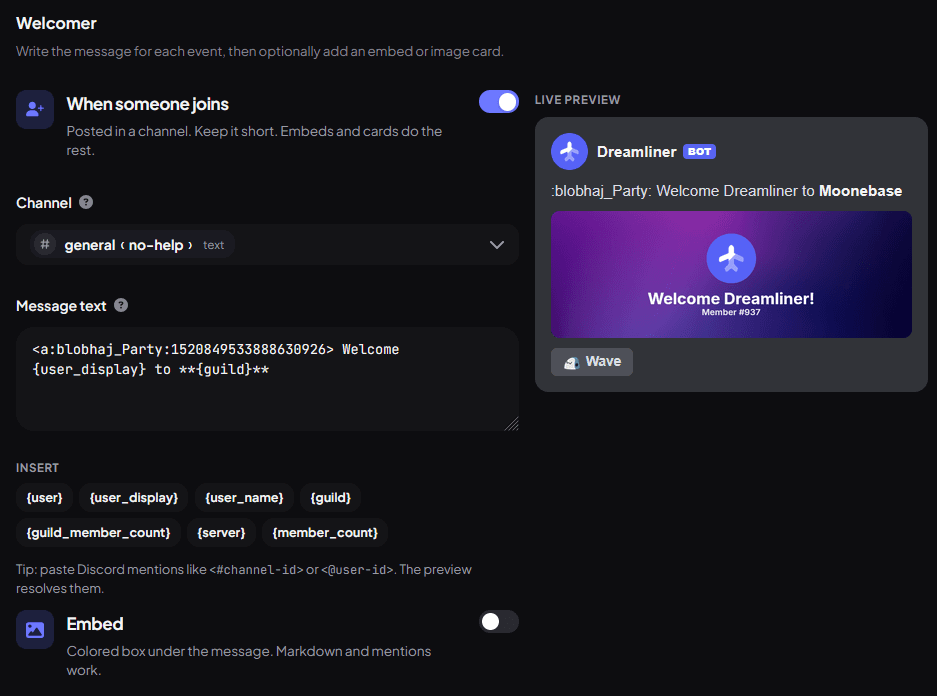
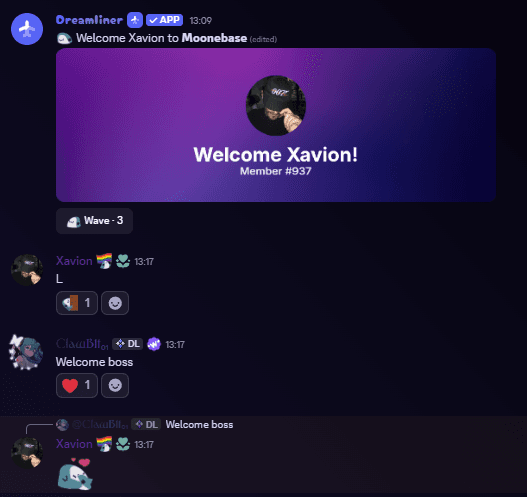
Write a welcome message once, with an embed, an image card, and a live preview as you build it, and every new member gets greeted properly, right in Discord.
- Live preview shows exactly what members will see
- Placeholders for username, member count, and more
- Separate messages for joins, leaves, and DMs
Appeals
Give punishments a fair second look
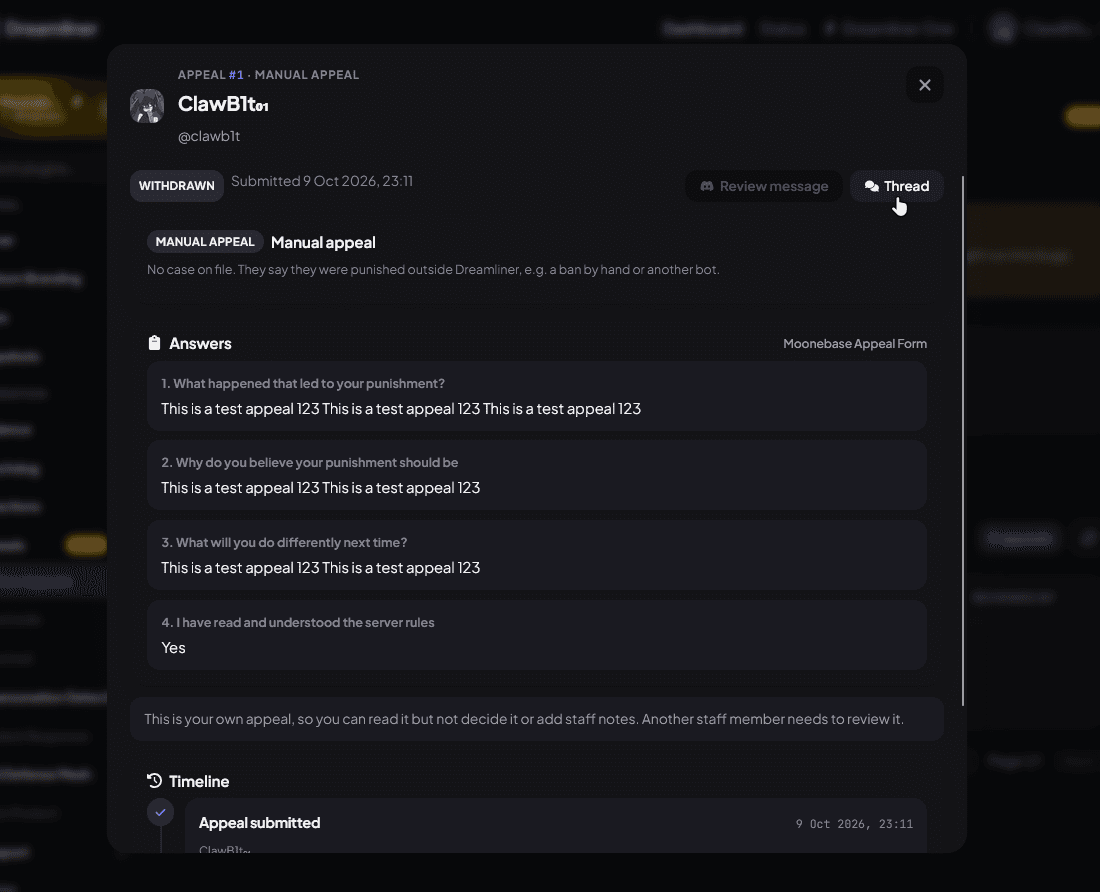
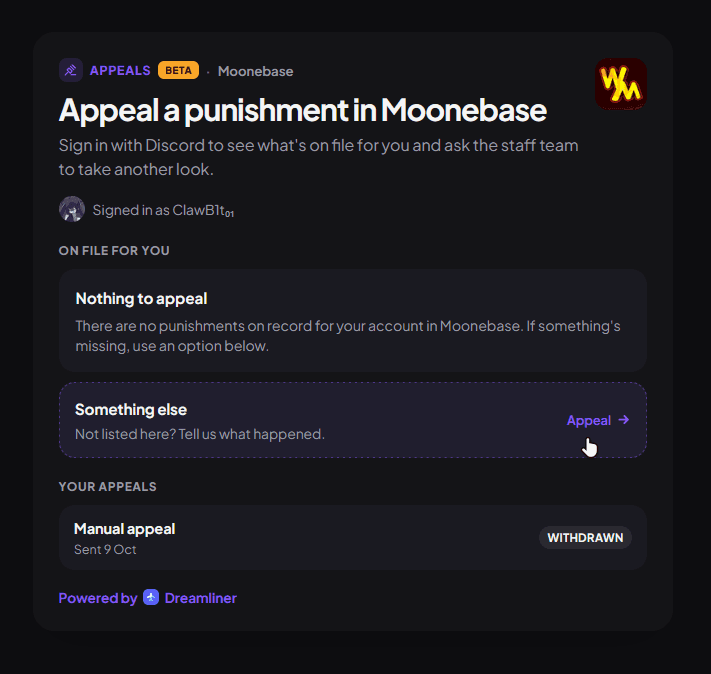
Punished members sign in on a page of their own, see exactly what's on file, and fill in your appeal form. Staff review it in Discord or on the dashboard, ask follow-up questions, and approving it can lift the ban or mute automatically.
- An Appeal button in every punishment DM, linking straight to the case
- Your own forms, waiting periods, and cooldowns per punishment type
- Approve, deny, or ask for more info, with a full timeline for every appeal
Bluesky
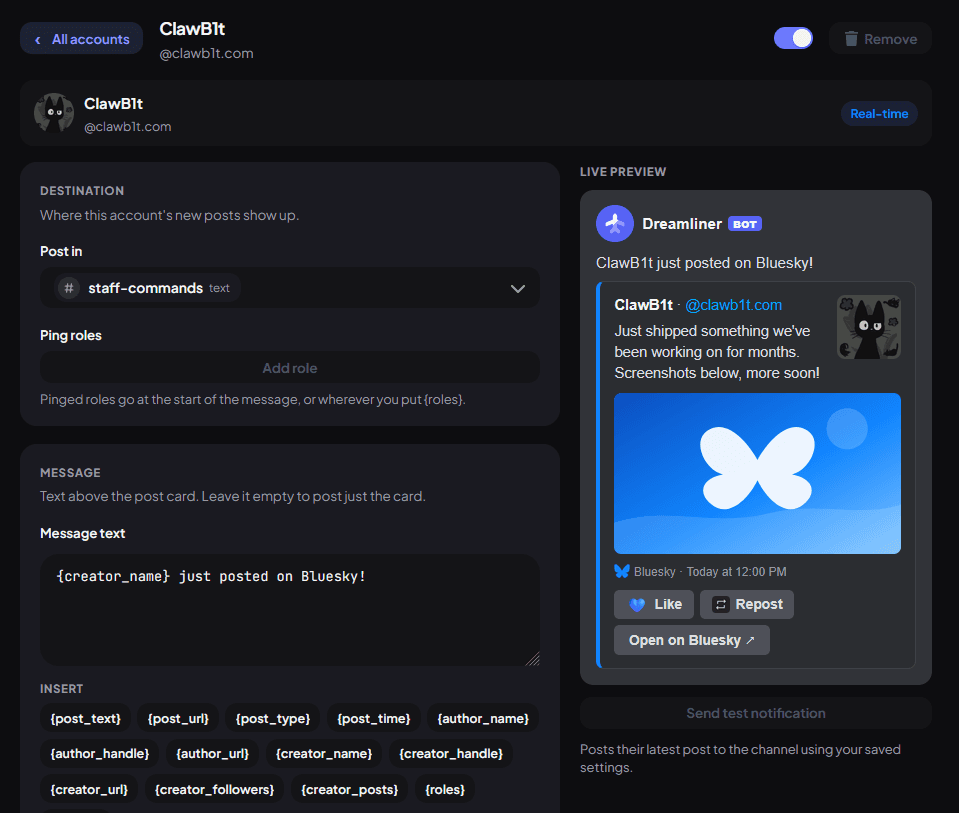
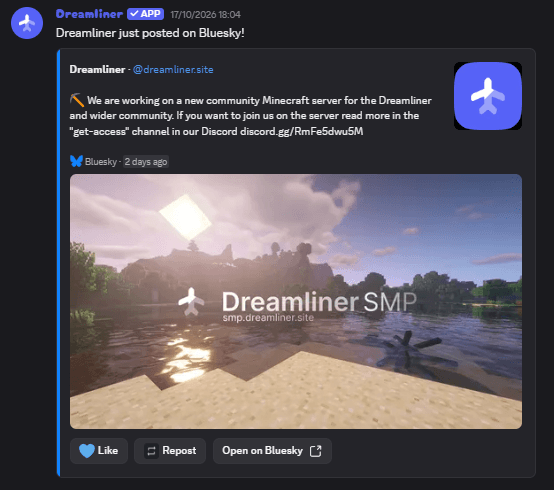
Your Bluesky posts, live in Discord
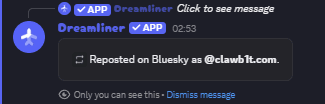
Follow any Bluesky account and its new posts land in your channel the moment they're published, as a proper post card with images and links. Members can like and repost right from Discord after linking their Bluesky account.
- Real-time posts, no polling delay
- Like and Repost buttons that work straight from Discord
- Custom message text, role pings, and a live preview as you set it up
Every plugin
One bot, every tool your staff could ask for
Every plugin Dreamliner ships with, grouped the same way the dashboard groups them. Click one to read how it works.
Trusted by communities
What server owners are saying
Real feedback from the staff running Dreamliner day to day.
Dreamliner is an innovative Discord bot that caters to both everyday users and techy users. Through its intuitive YAML configuration system and easy to use web dashboard, it allows for incredibly fine grained control and customization of the bot.

bot good, bot do botting things correctly.

Dreamliner is my go-to when it comes to moderation, server management, and security. After trying countless bots, I feel like Dreamliner is the one that actually gets the job done right.

Dreamliner is goated at activity tracking

"Claw's is also niceee" - Probably speaking about Dreamliner

I have zero idea what dreamliner is or why it's dreaming. But the bot seems to moderate

Partners
Bots and communities we work with
A short list of Discord bots and servers Dreamliner partners with directly.

Miku-Chan is a lightweight highly powerful music bot for your Discord server.
Visit
Wamoone is a highly customisable levelling bot for your Discord server.
Visit
Icons is a Discord community filled with high quality emotes.
Join
Free avatars, banners, emojis, collections, and server listings from the community.
VisitComparison
Dreamliner vs Dyno vs MEE6
Every plugin, side by side. A green check means it's free on that bot; a lock means you'd need their paid tier (or, for Dreamliner, the optional One upgrade) to unlock it.
| Feature |  Dreamliner Dreamliner |  Dyno Dyno |  MEE6 MEE6 |
|---|---|---|---|
| Moderation & Safety | |||
| Auto moderation (spam, links, word filters) | Free | Free | Paid |
| Warn, mute, kick and ban commands | Free | Free | Paid |
| Per-channel and per-role slowmode | Free | Paid | |
| Auto-delete rules for a channel | Free | Free | |
| Scheduled channel auto-purge | Free | Paid | |
| Per-member risk scoring (Watchdog) | Free | ||
| Scam-link detection | Free | ||
| Join verification / captcha gate | Free | ||
| Impersonation detection | Free | ||
| Cross-server raid intelligence | Free | ||
| Incident tracking & case linking | Free | ||
| Roles & Onboarding | |||
| Welcome & leave messages | Free | Free | Paid |
| Autorole on join | Free | Free | Paid |
| Reaction roles / role panels | Free | Free | Paid |
| Custom roles for server boosters | Free | ||
| Engagement & Leveling | |||
| Leveling / XP with level-up roles | Free | Paid | Paid |
| Starboard | Free | Free | Free |
| Live member-count / stat channels | Free | Paid | |
| Temporary / join-to-create voice channels | Free | Paid | |
| Giveaways | Free | Free | Paid |
| Member suggestion queue | Free | ||
| Server review collection | Free | ||
| Counting game channel | Free | ||
| Virtual economy / currency | Free | Free | Paid |
| Timed messages / reminders | Free | Free | Free |
| Custom Content & Utility | |||
| Custom commands / tags | Free | Free | Paid |
| Auto-responder / autoreplies | Free | Free | Paid |
| Support ticket system | Free | Free | Free |
| Auto-create threads on new posts | Free | ||
| Username & nickname history | Free | ||
| Configurable event logging channel | Free | Free | |
| Multi-platform Notifications | |||
| YouTube / Twitch live & upload alerts | Free | Paid | Paid |
| Bluesky feed tracking | Free | Paid | |
| Music & Fun | |||
| Music playback with a web player | Free | ||
| Voice channel clip recording | Free | ||
| Platform & Setup | |||
| Web dashboard | Free | Free | Free |
| AI-assisted setup wizards | Free | ||
| Built-in import from other bots | Free | ||
| Custom bot avatar, nickname & banner | One | Paid | Paid |
| Automatic message translation | One | ||
MEE6, Dyno, YAGPDB, Carl-bot, Arcane, ProBot, Tatsu and Sapphire are trademarks of their respective owners. Dreamliner is not affiliated with, endorsed by, or sponsored by any of them.
Already set up on Dyno or MEE6?
Dreamliner Switch reads your old bot's dashboard with Autopilot and rebuilds your setup here for you, page by page, so you don't start from scratch.
Switch to Dreamliner
Dreamliner One
Make Dreamliner truly yours.
Custom bot branding, automatic translation, and unlimited Autopilot, all built into one plan.
Buy in Discord. Pick the server at checkout. Cancel anytime.
Ready to protect your server?
Add Dreamliner, open the dashboard, and give your staff a workspace built to keep your community safe.
Need a hand? Join the support Discord.